Table of content
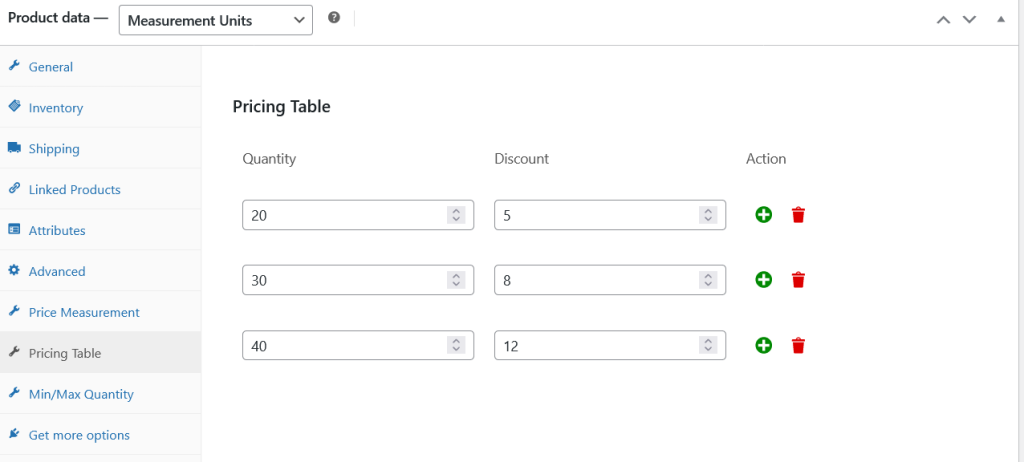
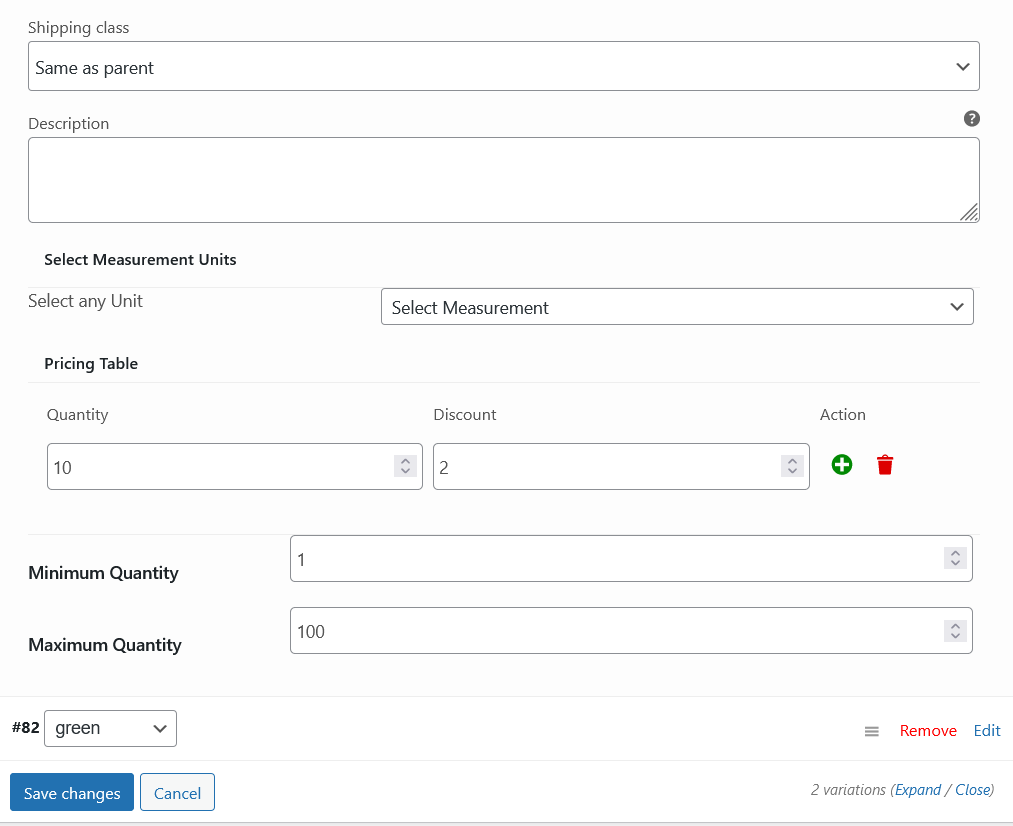
Furthermore, users can get pricing after adding their required values. A pricing table is included which allows to add product quantity with discount. Admin can add minimum and maximum product quality value for users to purchase limit quantity.
WooCommerce Measurement Price Calculator is used to calculate products by different units. However, the price per unit supports up to 7 measurement units including, length, volume box area, walls, box, weight, and 3d volume.
WooCommerce Measurement Price Calculator Features
- Supports up to seven measurement units.
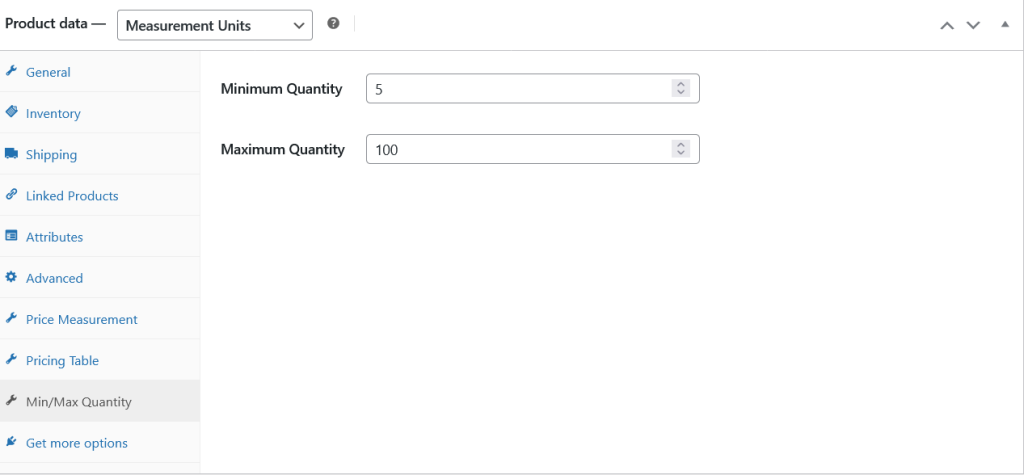
- Add min and max value for product quantity.
- Add pricing table with quantity value and discount.
- Supports simple and variations of the variable products.
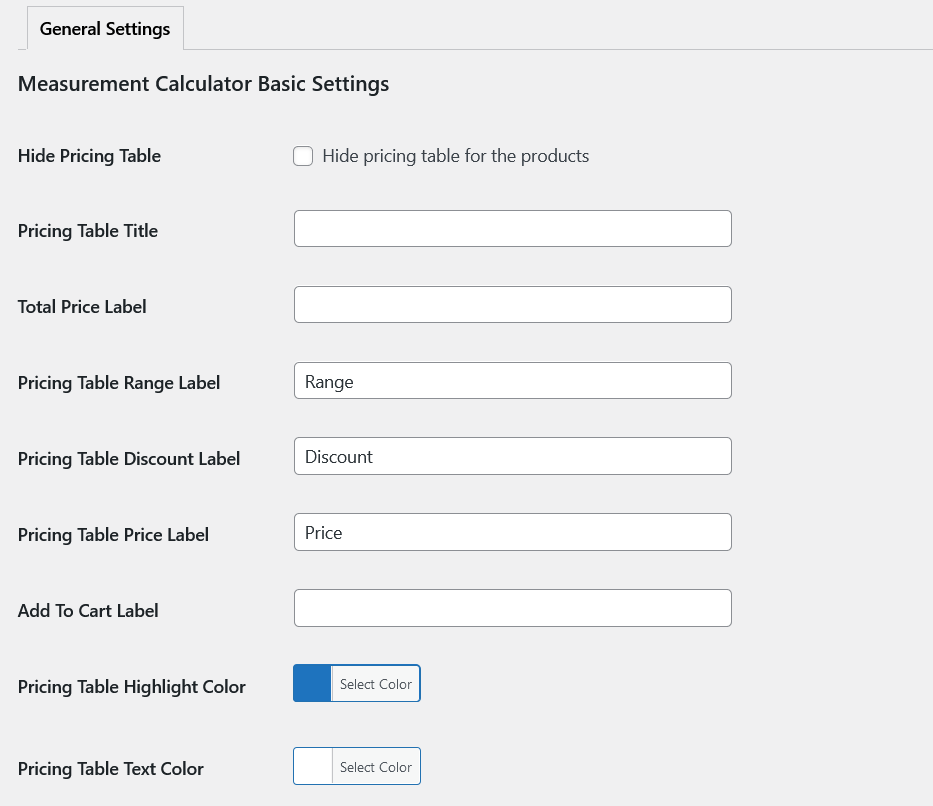
General Settings
All strings of WooCommerce Price Calculator plugins are localized and editable using the general settings of our plugin.
Product Level Settings
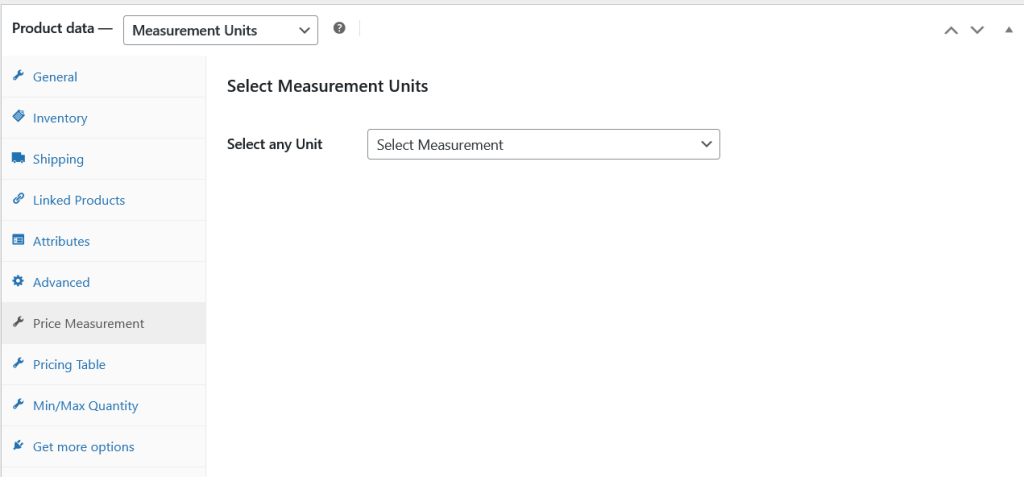
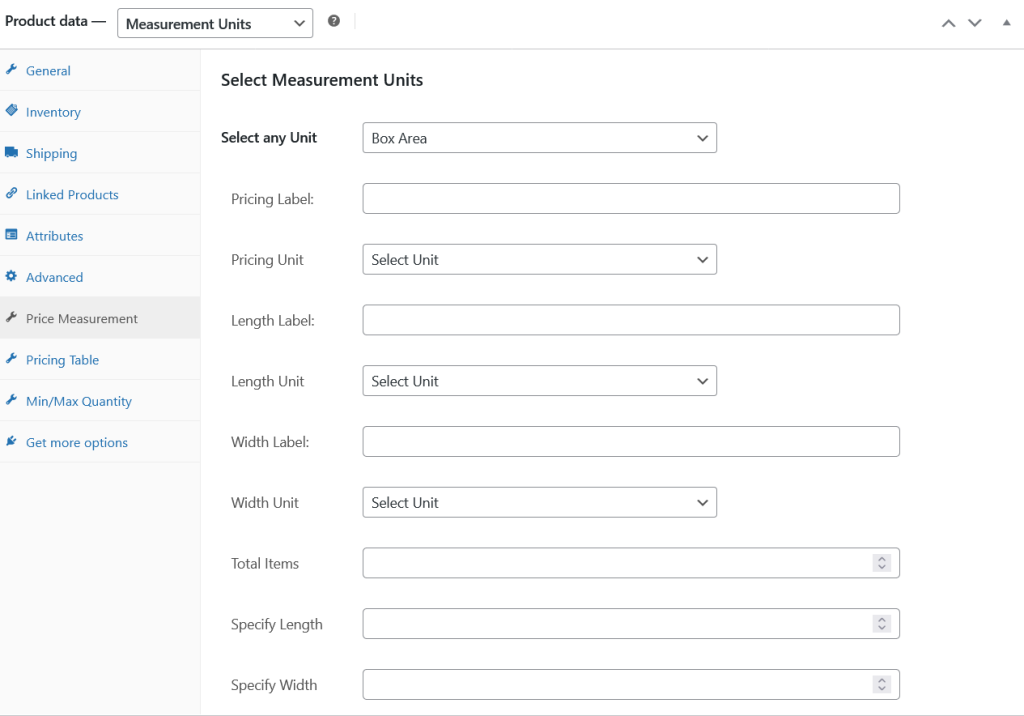
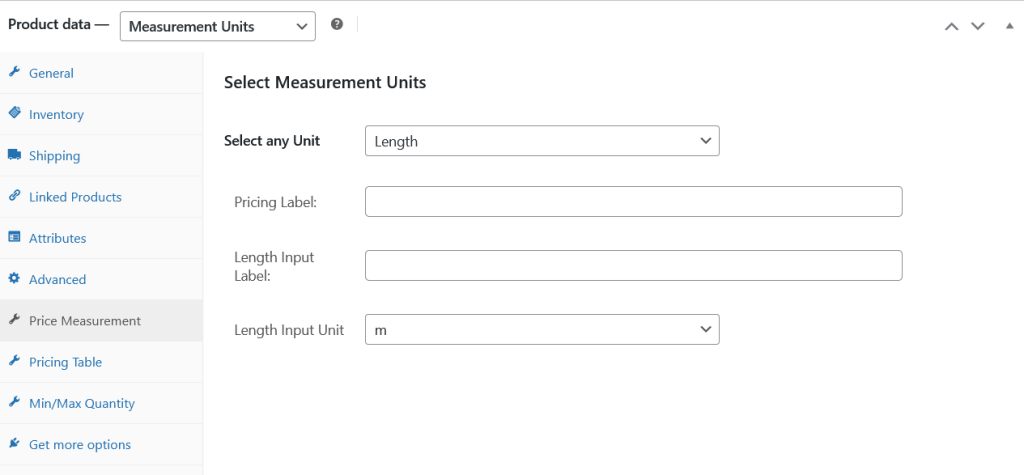
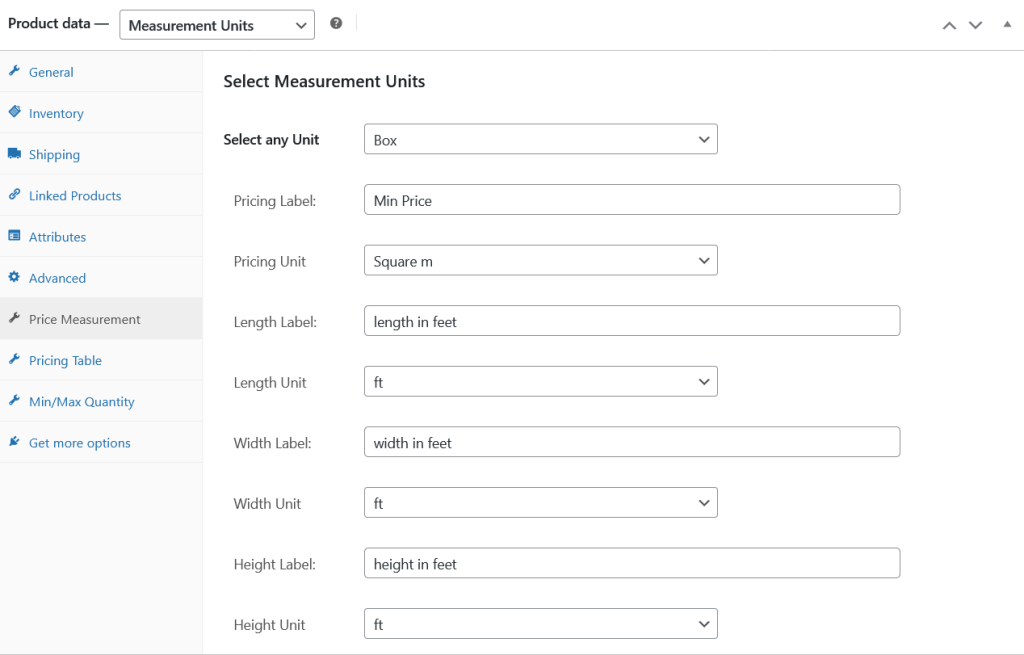
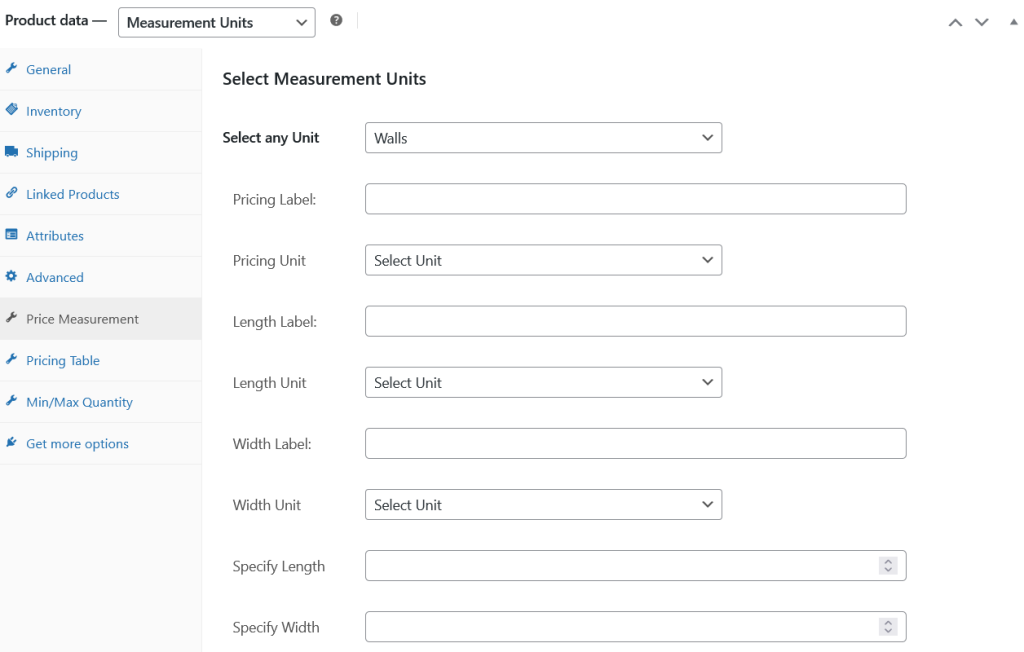
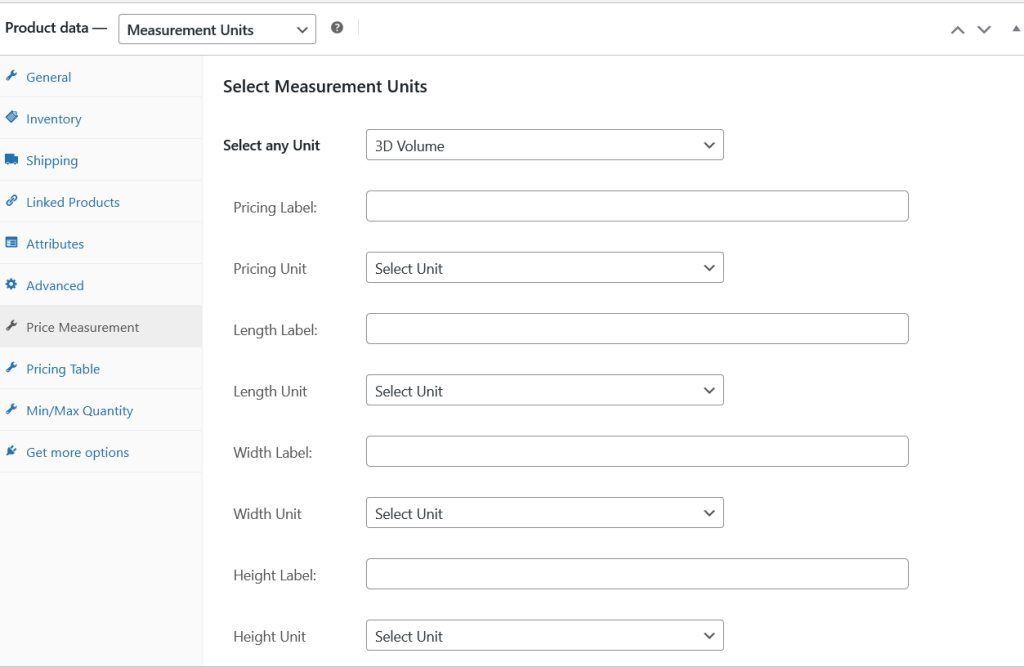
Choose product type “Measurement Units” first to use Measurement Price Calculator plugin. Price calculator consist of 7 units.
1. Weight.
2. Box Area.
3. Length.
4. Box.
5. Walls.
6. 3D Volume.
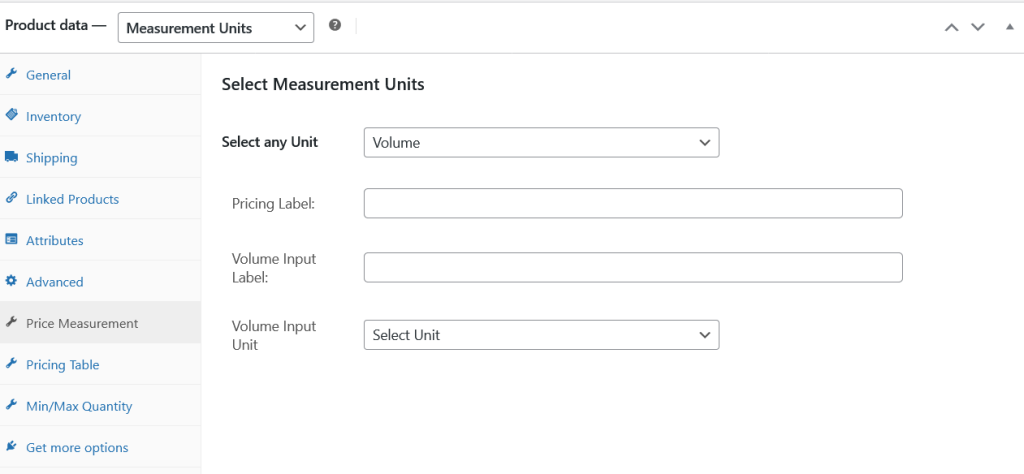
7. Volume.
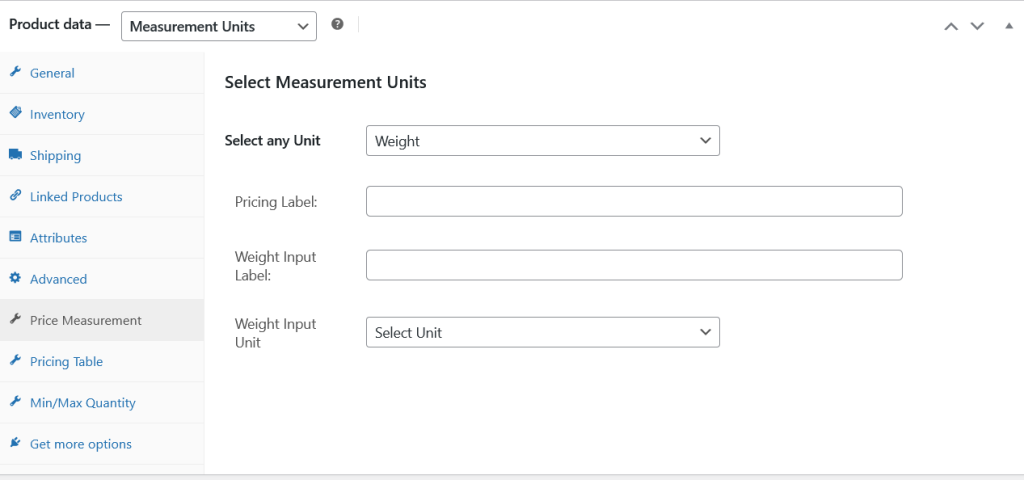
Measurement Type Weight
Box Areas
Length
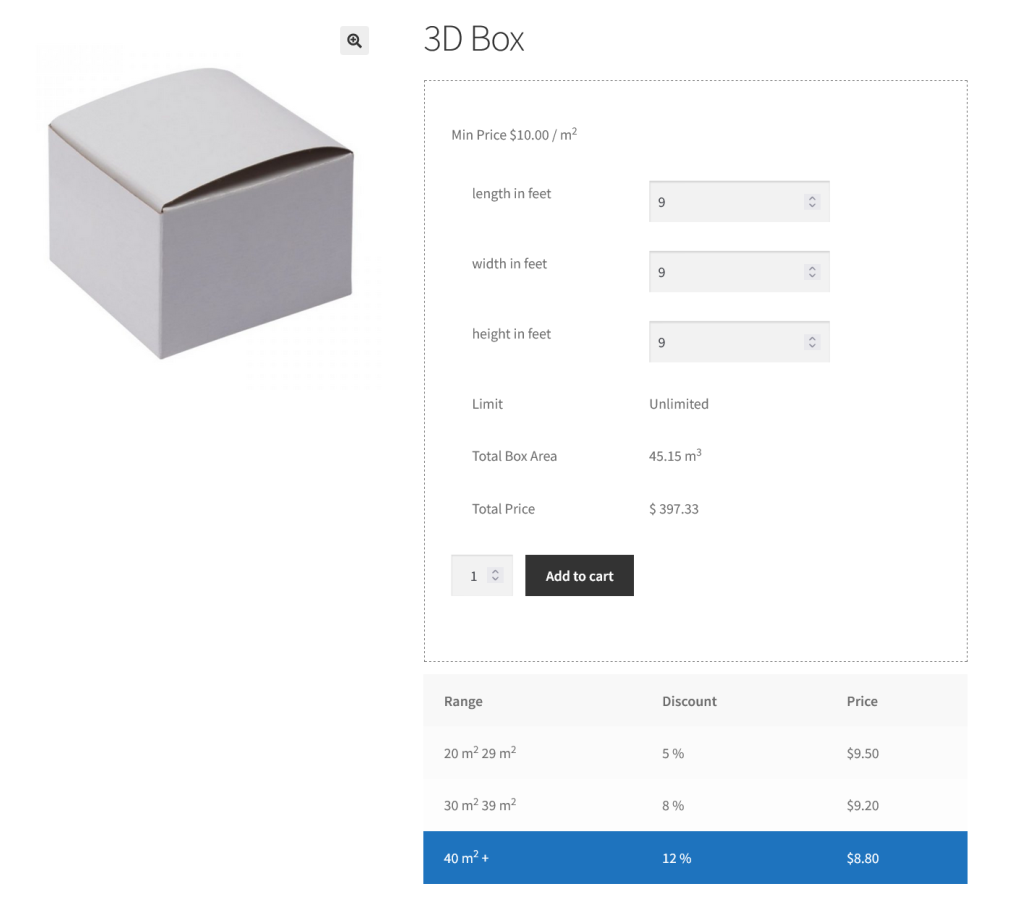
Box
Walls
3D Volume
Volume
Pricing Table
WooCommerce Measurement Price Calculator allow to add discounts also on the basis of quantities.
Note: The quantity will not come from the WooCommerce quantity field. It will be generated by the custom fields of Price Calculator plugin. For Example if the product has measurement type Box, so the Length x Width will make a quantity.
Quantity Restriction
Restrict minimum and maximum quantity restrictions here.
Variation Level Settings
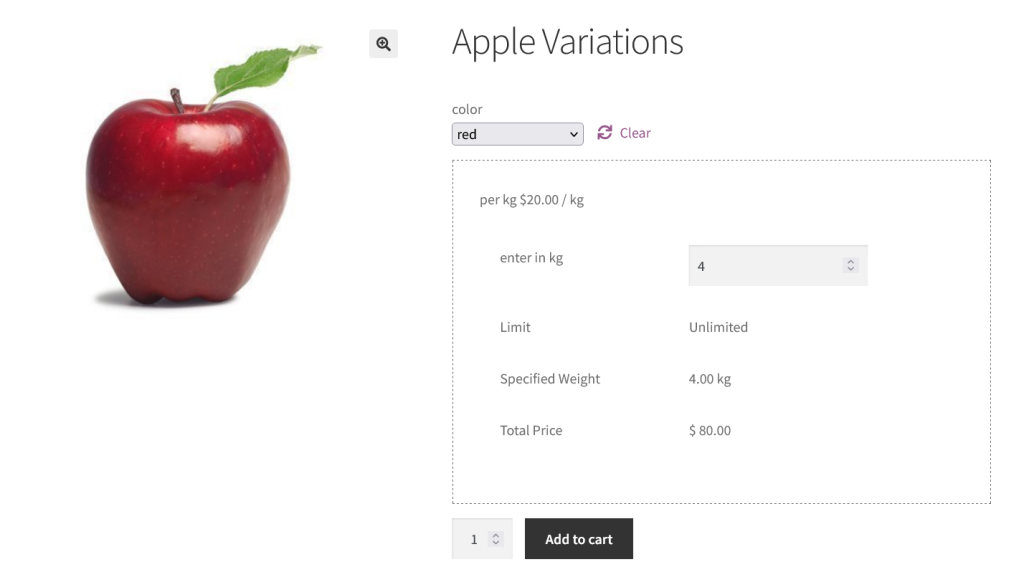
Measurement Price Calculator supports variations of the variable product also.
Frontend View
Variable Product
3D Box
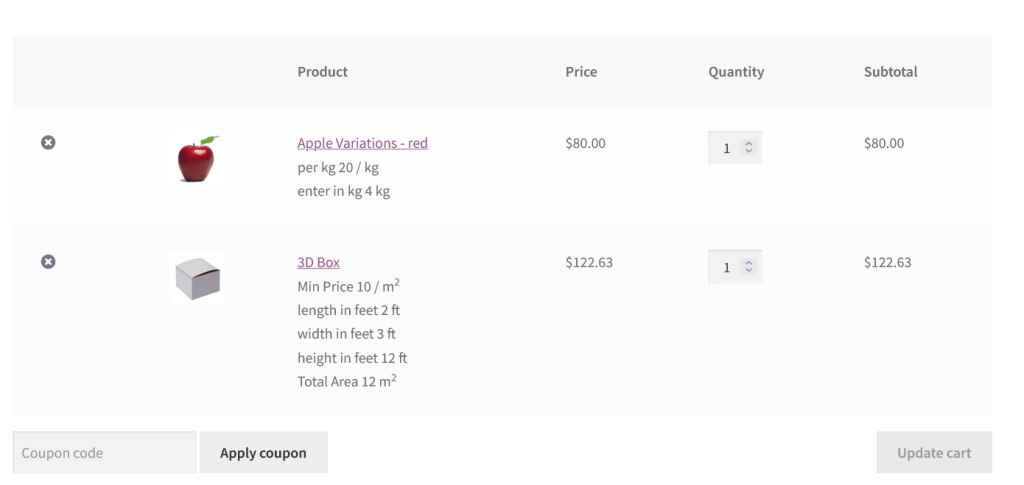
Measurement Info on Cart Page